Traditional WordPress vs Headless: Which Architecture Fits Your Marketing Goals?


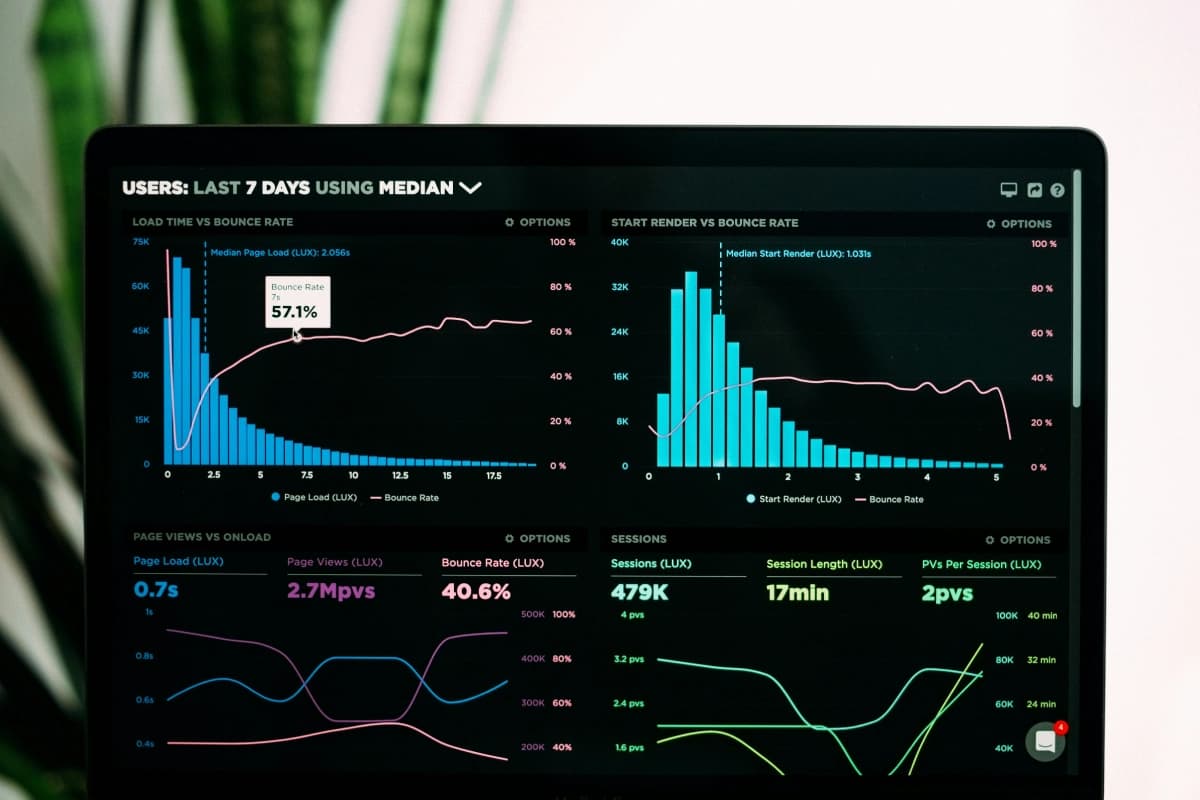
“Our website takes forever to load, and our bounce rate is killing our conversions,” Sarah, a marketing director at a growing SaaS company, told us during our first call. “But our content team loves WordPress. They don’t want to learn a new system.” Sound familiar? You’re caught between keeping your team happy and delivering the performance your business needs.
This is the crossroads where many marketers find themselves today. Traditional WordPress offers familiarity and ease of use, while headless architecture promises speed and flexibility. But which one actually serves your marketing goals better?
Traditional WordPress still has its place in marketing
Let’s be honest — traditional WordPress isn’t going anywhere. There’s a reason it powers over 40% of the web. For many marketing teams, it’s the sweet spot of functionality and usability.
Content creation feels natural. Your team can jump in, create posts, update pages, and manage media without touching a line of code. The visual editor shows exactly what visitors will see. No technical translation required.
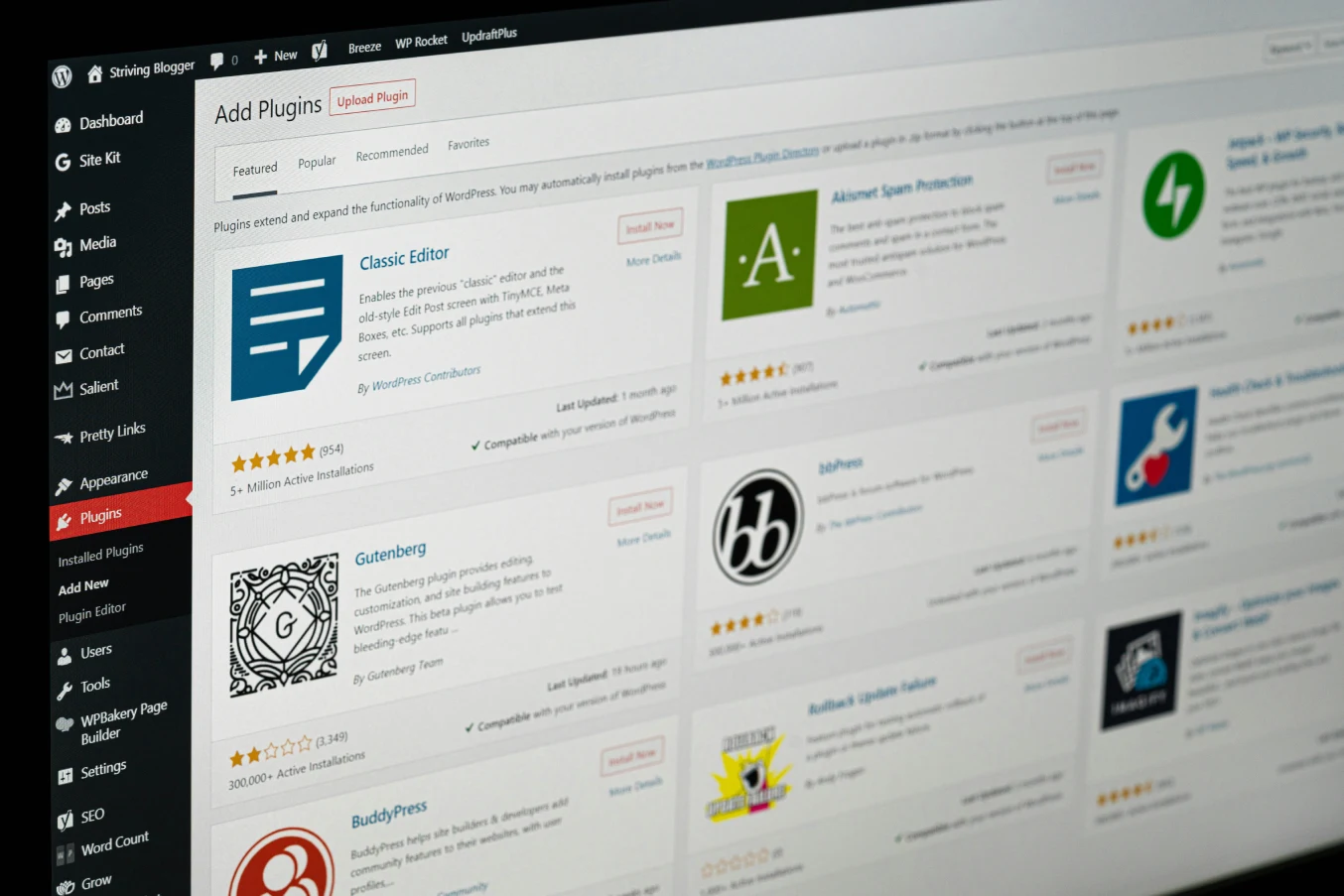
Plugin ecosystem solves problems fast. Need SEO optimization? Install Yoast. Want to capture leads? Add a form plugin. Most marketing tools integrate directly with WordPress, which means faster implementation and fewer development hours.
Budget-friendly for smaller teams. You can launch a professional WordPress site without a massive development budget. Themes handle the design, plugins add functionality, and your team can manage updates internally.
But here’s where traditional WordPress starts showing cracks. Performance often suffers as you add more plugins and content. Security becomes a constant concern with regular updates needed. And if you want a truly custom experience that stands out from the millions of other WordPress sites, you’re looking at significant development work anyway.
Headless architecture transforms how marketing websites perform
Headless WordPress changes the game by separating content management from presentation. You keep WordPress as your content management system, but your actual website runs on faster, more flexible technology like Next.js.
Speed becomes your competitive advantage. Static site generation and edge caching mean your pages load in milliseconds, not seconds. Google rewards fast sites with better rankings. Visitors stick around instead of bouncing. Your conversion rates improve naturally.
Omnichannel content distribution gets easier. Your WordPress content can feed your website, mobile app, email campaigns, and social media automatically. Create once, distribute everywhere. No more copying and pasting between platforms.
Developer experience accelerates custom features. Want a unique calculator for lead generation? Custom integrations with your CRM? Interactive product demos? Modern development frameworks make these marketing tools faster and cheaper to build.
The trade-off is complexity. Your content team needs to understand that changes might not appear instantly. Preview functionality requires additional setup. And you’ll need developers who understand both WordPress and modern frontend frameworks.
Your marketing strategy determines the right choice
The architecture decision isn’t really about technology — it’s about how your marketing team operates and what outcomes you need to drive.
Choose traditional WordPress when: Your team publishes content frequently and needs immediate visibility. Your marketing budget prioritizes tools and advertising over development. You’re in an industry where standard functionality meets most of your needs. Your current WordPress site performs adequately for your traffic and conversion goals.
Go headless when: Site performance directly impacts your conversion rates and revenue. You’re competing in crowded digital spaces where user experience differentiates winners from losers. Your marketing strategy spans multiple channels and touchpoints. You have budget for ongoing development to leverage the flexibility headless provides.
Consider your team’s workflow too. A headless setup works best when someone technical can handle deployment and troubleshooting. If your marketing team works independently without developer support, traditional WordPress might serve you better in the short term.
We’ve seen companies succeed with both approaches. The key is honest assessment of your priorities, capabilities, and growth trajectory.
The hybrid approach might be your answer
Here’s something most agencies won’t tell you — you don’t have to choose all or nothing. We’ve built plenty of sites that start traditional and migrate to headless as needs evolve.
Start with optimized WordPress. Modern caching, image optimization, and clean code can make traditional WordPress sites perform surprisingly well. This gives your team familiar tools while delivering better results than typical WordPress installations.
Plan for future headless migration. Structure your content and custom fields with headless in mind. Choose plugins and workflows that translate well to API-driven architecture. When you’re ready to make the jump, the transition becomes smoother and less expensive.
Test headless for high-impact pages first. Run your homepage and key landing pages headless while keeping the blog and internal pages on traditional WordPress. You get performance benefits where they matter most without overwhelming your content team with changes.

What it means when you work with Jupitr
We don’t push every client toward the same solution. Our job is understanding your marketing goals first, then recommending the architecture that serves those goals best. Sometimes that’s traditional WordPress with performance optimization. Sometimes it’s full headless. Often it’s a strategic combination of both. Let’s talk about what makes sense for your specific situation.
FAQs
How long does it take to migrate from traditional to headless WordPress?
Timeline depends on your site’s complexity and custom requirements. A straightforward business site might take 4-6 weeks, while complex sites with custom integrations can take 3-4 months. The content migration itself is usually quick — most time goes into rebuilding custom functionality and optimizing the new architecture.
Will my content team need extensive training for headless WordPress?
The WordPress admin stays largely the same, so content creation workflows don’t change much. The main difference is preview functionality and understanding that published changes might take a few minutes to appear live. Most teams adapt within a week of normal use.
Is headless WordPress more expensive to maintain?
Initial development costs are higher, but ongoing maintenance can actually be lower. Fewer security vulnerabilities, automatic scaling, and reduced server management often offset the additional development complexity. The real cost consideration is having access to developers who understand the headless architecture when you need updates or new features.
Can I still use my favorite WordPress plugins with headless?
Plugins that manage content and data typically work fine — think Advanced Custom Fields, Yoast SEO, or custom post types. Plugins that affect the frontend appearance or functionality need to be rebuilt for your headless site. We help identify which plugins translate well and suggest modern alternatives for others.
Ratri Jawanes is the CTO of Jupitr Agency, a digital agency based in Bali specializing in headless WordPress development, web performance, and digital strategy.